Bun Rewrote Itself in Rust. I Benchmarked the Difference

Bun 1.4 is not a routine update. The project rewrote Bun from Zig to Rust using claude while keeping JavaScriptCore as its JavaScript engine.
That immediately raises two questions: is it actually faster, and will existing Bun applications continue to work?
I tested both questions against StreamDrop, my open-source, peer-to-peer file-transfer service. It sends files directly between devices without uploading them to permanent cloud storage. You can try StreamDrop or browse the source on GitHub. The benchmark results are encouraging and we found a breaking change along the way.
How I tested it
I compared Bun 1.3.14, the final Zig release, with Bun 1.4.2, the current Rust release. Both ran from official Linux ARM64 Docker images on an Apple M1 Max, limited to one CPU and 512 MiB of memory.
Each result below is a median rather than the fastest run:
- five runs for startup, memory, and HTTP tests;
- seven runs for the JavaScript and file-transfer tests;
- two HTTP load-generator threads with 64 concurrent connections;
- exact byte-count verification after every file transfer.
This compares two complete releases. It does not prove that Rust is inherently faster than Zig. Bun 1.4 also includes a newer JavaScriptCore, allocator changes, native streams, and many other optimisations.
Startup time lower is better
Bun 1.4 started 3.98× faster.
Startup is the clearest win
An empty script started in 2.326 ms on Bun 1.4.2, down from 9.264 ms on Bun 1.3.14. That is almost four times faster.
The result is even better than Bun’s published claim of a two-times improvement on Linux, although different machines and container overhead make those figures unsuitable for direct comparison.
For a long-running service, a few milliseconds at launch will not transform response times. It matters much more for command-line tools, scripts, tests, and short-lived workers where startup is a meaningful part of the total runtime.
HTTP throughput improved without changing the application
HTTP throughput higher is better
Plain-text response
JSON response
Throughput increased by 8.1% for text and 17.3% for JSON.
The plain-text server improved from 143,869 to 155,497 requests per second, an 8.1% gain. Returning a small JSON response improved from 121,292 to 142,272 requests per second, a 17.3% gain.
A repeated JSON parse-and-stringify workload also completed 19.5% faster. That result deserves extra caution: ordinary JavaScript still runs on JavaScriptCore, so the improvement cannot simply be labelled “Rust is faster”.
At idle, the small server used 51.5 MiB instead of 90.8 MiB, a 43.3% reduction. Its sampled idle CPU use fell from 0.16% to 0.04%. CPU percentages that close to zero are noisy, but the direction matches Bun’s own findings.
The StreamDrop transfer test
Synthetic endpoints are useful, but StreamDrop is built to move bytes. I added a benchmark that creates a real session, opens a receiver, claims the transfer channel, uploads a generated file through the raw relay endpoint, consumes the download stream, and verifies the final byte count.
128 MiB StreamDrop relay
Throughput — higher is better
Peak memory — lower is better
51.9% more throughput with 42.1% less peak memory.
Bun 1.4.2 moved the 128 MiB payload at 943 MiB/s, up from 621 MiB/s—a 51.9% improvement. Transfer time fell from 206.1 ms to 135.7 ms, while peak memory dropped from 117.8 MiB to 68.2 MiB. CPU time fell by 37.3%.
Those are the numbers I hoped to find. Then I increased the file size.
The 256 MiB transfer failed every time
All five 256 MiB transfers completed on Bun 1.3.14. All five failed on Bun 1.4.2.
Request body exceeded maxRequestBodySize
409 receivers_lost
Bun 1.4 enforces a 128 MiB default maximum request body. StreamDrop consumes uploads as streams rather than buffering them, but the server rejected the request before the stream could finish.
The fix is small but essential: explicitly set maxRequestBodySize when starting Bun.serve. I configured StreamDrop with Number.MAX_SAFE_INTEGER, then added a regression test that streams 129 MiB and checks every received byte.
After the fix, the full 256 MiB transfer completed on Bun 1.4.2 at 851 MiB/s, all 268,435,456 bytes arrived intact, and the complete test suite passed: 29 tests, zero failures.
Should you upgrade?
Yes, but have fun regression testing.
Bun 1.4 delivered its largest improvement exactly where StreamDrop benefits: streaming throughput, memory use, and CPU time. Startup became dramatically faster too.
But a benchmark that only measured successful 128 MiB transfers would have missed the breaking change. Performance testing should include the edges of the real workload, because an infinitely fast failed request is still a failed request.
If your Bun server accepts large uploads, add an over-limit integration test and configure maxRequestBodySize before upgrading.
Want to see the result for yourself? Send a file with StreamDrop; there is no account to create or read, run, and contribute to the code on GitHub.
Bonus: Ward, from Java to Rust
StreamDrop is not my only project where a runtime change made a noticeable difference. Ward is an open-source server dashboard that gives you a quick view of CPU, memory, storage, and uptime. If you want something simple to leave running on a small server, have a look at the live demo.
Ward started as a Java application using Spring Boot and OSHI. The Rust version, ward-rs, uses Axum and sysinfo. I built both local checkouts from source and measured them in Docker, using the same one-CPU and 512 MiB limits.
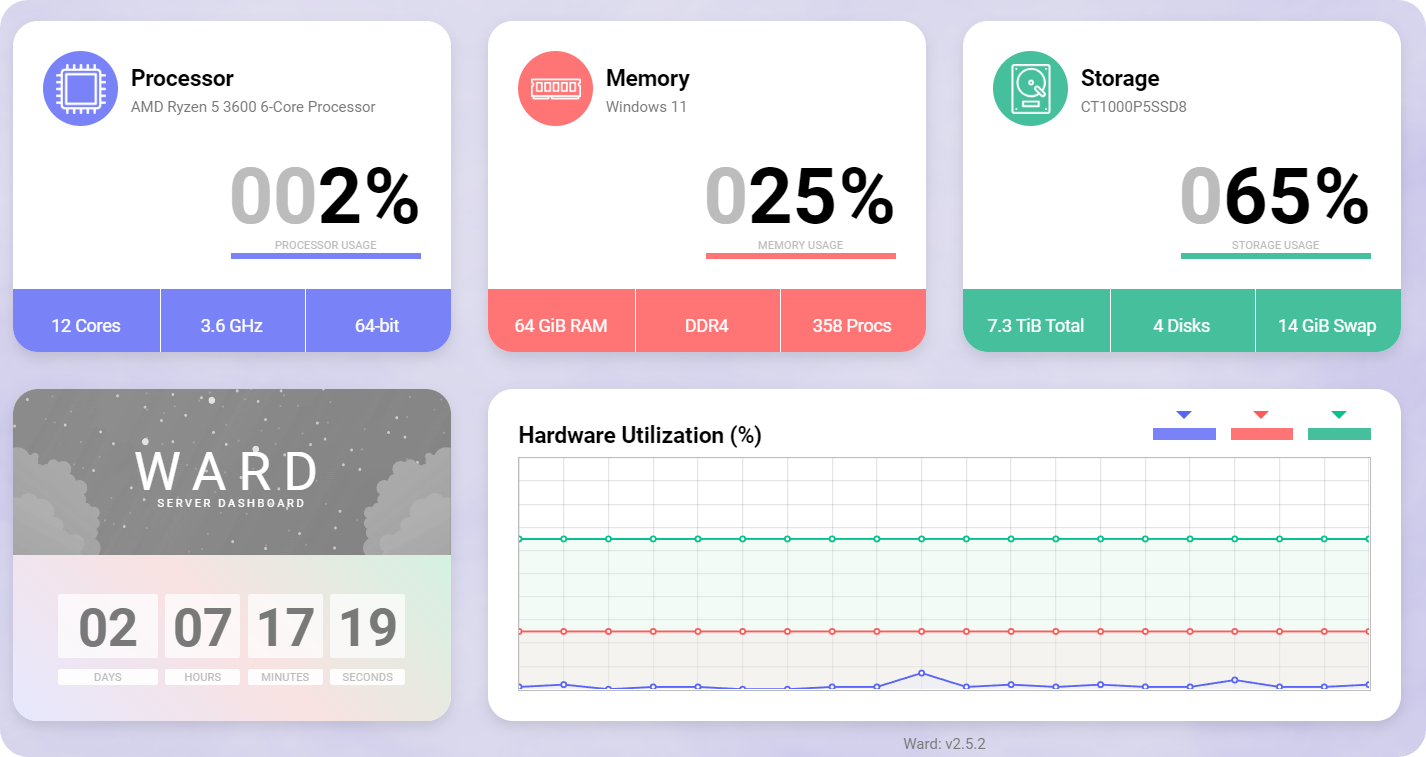
Illustrative screenshot; benchmark results below use a different machine and version.
These measurements were taken on 13 October 2026: Java Ward 2.6.1 at commit 955e326, and ward-rs 1.0.6 at 77aed22. The Java image used Temurin 25.0.4.1; the Rust release build used rustc 1.99.0. Both were Linux ARM64 builds on the same Apple M1 Max.
A smaller background process
Ward idle memory lower is better
98.0% less resident process memory across five fresh starts.
The Rust process used 3.9 MiB of idle resident memory, compared with 193.6 MiB for Java, a reduction of about 98%. After the API requests, those figures were still only 4.0 MiB and 195.5 MiB respectively.
For a monitoring dashboard, that is a practical benefit: Ward should leave most of the server’s memory available for the applications it monitors.
Startup, storage, and API latency
| Measurement | Java Ward | ward-rs |
|---|---|---|
| Process launch to first valid API response | 4,139.5 ms | 3.5 ms |
| Idle resident process memory | 193.6 MiB | 3.9 MiB |
| Resident memory after API requests | 195.5 MiB | 4.0 MiB |
| Application artifact | 26.2 MiB JAR | 7.6 MiB executable |
| Production Docker image, uncompressed | 373.6 MiB | 103.6 MiB |
| Warm uptime API response | 1.12 ms | 0.12 ms |
| Usage API response | 1,024.7 ms | 0.11 ms |
Ward deployment size lower is better
Application artifact
Production Docker image
The executable is 71.2% smaller; the complete runtime image is 72.3% smaller. Each pair uses its own scale.
Rust started in 3.1–8.3 ms versus Java’s 3.8–4.3 seconds, with a 72% smaller Docker image and barely measurable idle CPU use.
The usage API’s huge latency gap mainly comes from Java’s one-second sampling delay versus Rust’s cached metrics. These five-run Docker benchmarks compare complete applications, not just languages.
Try Ward, get started, or explore the Rust and Java code.